Comparison
Kurli vs FaceApp for hairstyles
FaceApp is a photo editor with hairstyle filters. Kurli is a hairstyle advisor that picks the cut for your face. Here is when to use each.
About FaceApp
FaceApp is a mobile photo-editing app for iOS and Android. Its hairstyle page describes filters that refine your hairstyle, add volume, smooth the shape, or preview a new cut (checked 18 September 2026). The page says 1 billion+ people have installed FaceApp; that is the company's own figure, and we have not audited it. The hairstyle page does not list prices, and it does not describe face-shape analysis or hairstyle recommendations for your face. FaceApp says the data its apps collect is described in its privacy policy.
Where FaceApp is strong
- A native app for iOS and Android
- Hairstyle filters that edit a photo you already have: add volume, smooth the shape, preview a new cut
- Part of a full photo editor, if you want more than hairstyles
- Installed by 1 billion+ people, by the company's own figure
Where Kurli is strong
- Reads your face shape and picks the cut that suits it, with a plain reason
- Free face-shape read and top style pick, with no account and nothing to install
- Face mapping runs in your browser
Feature by feature
| Feature | Kurli | FaceApp |
|---|---|---|
| Recommends hairstyles for your face shapeFaceApp's hairstyle page does not describe face-shape analysis or recommendations (checked 18 September 2026) | ||
| Explains why a style suits your faceFaceApp's hairstyle page does not describe recommendations | ||
| Shows a new cut on your own photoFaceApp says its filters can preview a new cut | ||
| Edits the hair you already have (volume, shape) | ||
| Native mobile app | ||
| Works in a web browser with nothing to installFaceApp's page links to the App Store and Google Play and does not describe a web version | ||
| Free to start with no accountFaceApp's hairstyle page does not state its pricing |
means we could not confirm it from FaceApp's own site. Facts last verified September 18, 2026.
Which should you choose?
You want to edit the hair in a photo you already have
FaceAppFaceApp's filters add volume, smooth the shape and preview a new cut on an existing photo.
You want a full photo editor on your phone
FaceAppFaceApp is a photo-editing app with filters beyond hair, on iOS and Android.
You do not know which cut suits your face
KurliKurli reads your face shape and picks the style that suits it, with a reason, free and with no account.
You want to use it on a computer, with nothing to install
KurliKurli runs in any browser. FaceApp's page points to its phone apps.
Common questions
Is Kurli or FaceApp better for hairstyles?
They do different jobs. FaceApp is the better pick if you want to edit the hair in a photo you already have, adding volume, smoothing the shape or previewing a new cut, as its own page describes. Kurli is the better pick if you do not know which cut to get: it reads your face shape and picks the style that suits you, with a plain reason, free and with no account.
Does FaceApp recommend hairstyles for my face shape like Kurli?
FaceApp's hairstyle page does not describe face-shape analysis or hairstyle recommendations (checked 18 September 2026); it describes filters that edit and preview hair. Kurli is built around that step: it places 468 points on your face inside your browser, works out your face shape, and picks the styles that suit your proportions, with a reason for each.
Are Kurli and FaceApp free?
FaceApp's hairstyle page does not state its prices (checked 18 September 2026), so check the App Store or Google Play listing. Kurli's face-shape read and top hairstyle pick are free with no account; the other styles it picks and any render onto your own photo are paid, and the first render is sold at an intro price.
Can I use Kurli or FaceApp on a computer?
Kurli runs in the web browser on any computer, phone or tablet, with nothing to install, and on a computer it can take the photo with your webcam. FaceApp's page links to its iOS and Android apps and does not describe a web version (checked 18 September 2026), so it is built for use on a phone.
Do both Kurli and FaceApp show a new haircut on my own photo?
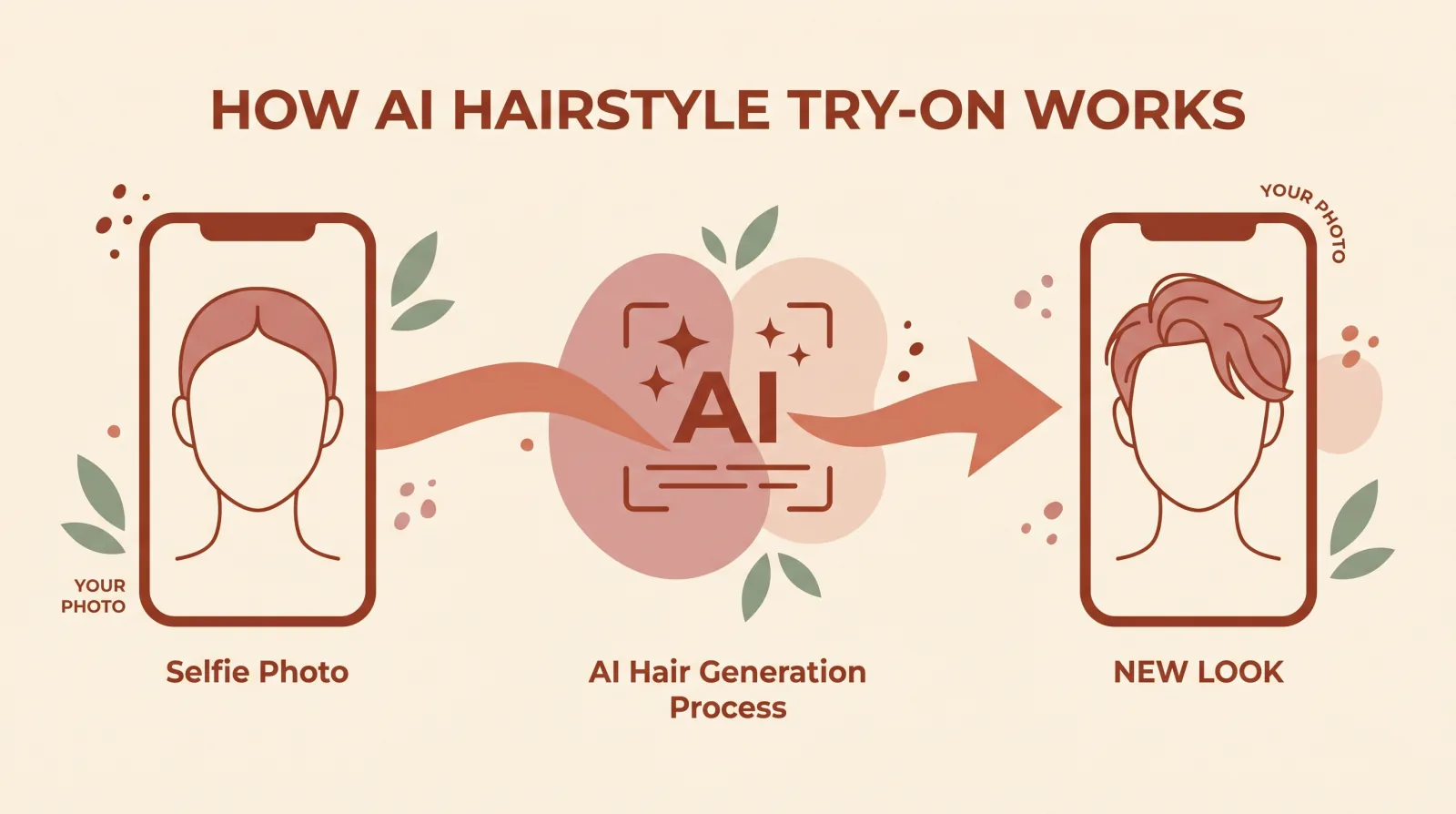
Yes. FaceApp says its filters can preview a new cut on your photo (checked 18 September 2026). Kurli renders a chosen style onto your own photo and keeps your face and identity the same. The difference is in how you get to the cut: FaceApp has you choose a filter, and Kurli picks the styles for your face first.
Can FaceApp change the hair I already have?
Yes. FaceApp's hairstyle page describes filters that add volume and smooth the shape of your existing hair (checked 18 September 2026). Kurli does not edit existing hair: it recommends a new cut for your face shape and can render that cut onto your photo so you can see it before you book.
Which is better for choosing what to ask my barber for, Kurli or FaceApp?
Kurli, because it is built for that decision. It picks the cut that suits your face, explains why, and after you buy it writes a Barber Brief: step-by-step instructions for your barber or stylist, which you can copy or share. FaceApp's hairstyle page describes editing filters and does not describe barber instructions (checked 18 September 2026).
What happens to my photo on Kurli and FaceApp?
FaceApp says the data its apps collect is described in its privacy policy, so read that policy for the details (checked 18 September 2026). Kurli maps the points on your face inside your browser, then sends the photo securely to Google's Gemini API. Kurli keeps a copy to check results, never sells or publishes it, and deletes it when you email hello@kurli.me.
Try Kurli for yourself
Upload a selfie and see the styles that suit your face: free, no credits, one tap to sign in with Google.