The Kurl
Is an AI hairstyle changer actually accurate?
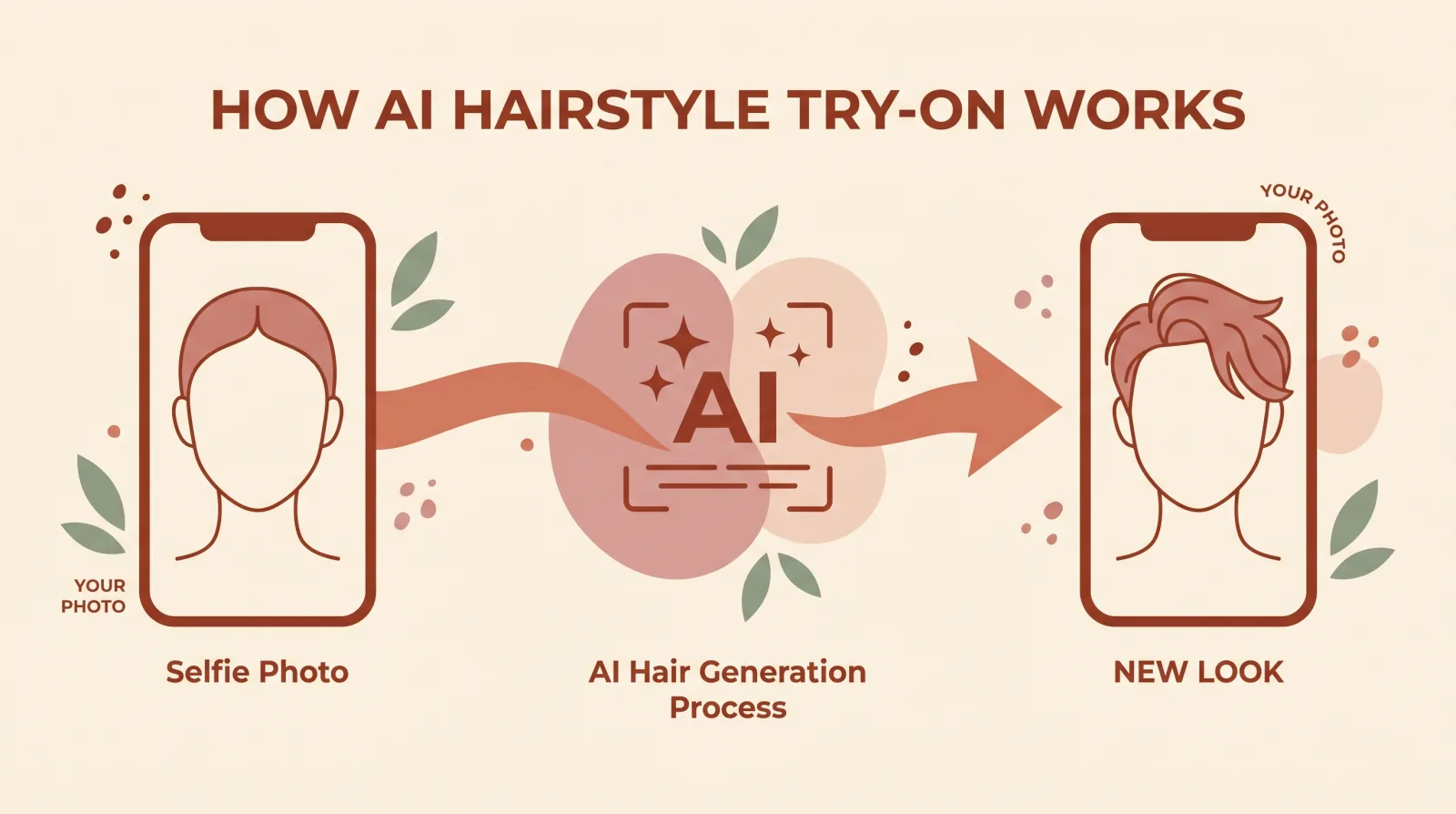
"Is this thing even accurate?" is the fair question to ask before you trust an AI hairstyle render enough to act on it. The honest answer is not a single yes or no. It depends on which part of the result you are checking, and on one factor most people don't expect to matter as much as it does: the photo itself.
What "accurate" actually means for a hairstyle render
Split the question into two parts, because they behave differently.
Shape and framing. This is what these tools are genuinely good at. Given a clear photo, a modern render convincingly shows how a haircut's silhouette sits against your face: where a bob falls relative to your jaw, whether bangs sit above or at your brow, how a fade tapers against your hairline. This is the part worth trusting.
Fine detail. This is where accuracy gets softer. Exact hair texture after a cut, how a cowlick will behave, precisely how curls will spring once cut shorter: a 2D render approximates these rather than truly predicting them. Real hair has physical properties a still image doesn't fully carry.
Treat the first category as reliable guidance and the second as a rough estimate, and you'll read every render correctly.
Where accuracy holds up best, and where it holds up least
Accuracy isn't uniform across every kind of change you might try. A few patterns worth knowing before you judge a result:
- Length and cut shape changes tend to render well. Going from long to a bob, or adding bangs, are changes to overall silhouette, which is the part these models handle most confidently.
- Colour changes render well when they're realistic for your hair. A natural-looking shift, brunette to a warm copper, tends to look convincing. An extreme, unnatural colour on hair that has never held colour before can look more artificial, simply because the model has less to anchor the texture and shine to.
- Very short buzzed lengths and shaved patterns are harder. These expose scalp and hairline detail a longer style would hide, so any imprecision in where the model places the hairline becomes more visible.
- Curl pattern changes (straight to curly, or the reverse) are the hardest category. Curl behaves in three dimensions and casts complex shadow and volume that a still 2D render has to approximate rather than simulate.
None of this means those harder categories are unreliable, only that they carry more uncertainty, so weigh a buzz-cut or curl-pattern render as a rougher sketch and a length or colour change as a closer preview.
Why the "identity preserved" claim matters, and how to check it
Any tool claiming to preserve your identity should be checkable, not just asserted. Compare the render side by side with your original photo and look specifically at the eyes, nose shape, mouth, and skin tone, the features a haircut change shouldn't touch at all. If those match closely and only the hair changed, the tool is doing what it claims. If your eye shape looks subtly different, or your skin tone shifted, or you generally look like a different, similar-looking person, that's worth noticing, because it means the model reshaped more than you asked it to, and the hairstyle judgment built on top of that render is judging the wrong face.
The single biggest factor: your photo, not the model
Across AI hairstyle tools generally, the input photo affects the output more than any setting or feature does. A few things specifically hurt accuracy:
- A turned or angled head. The model has to infer the parts of your face it can't see, and inference is where errors creep in.
- Heavy or uneven shadow. Shadows can be mistaken for shape, which shifts how a hairline or jaw reads.
- Hair covering your hairline. If your current hair hides where your hairline actually starts, the tool is guessing at exactly the boundary it needs to place a new style against.
- Low resolution or heavy filters. Less real detail in means less real detail the model has to work with.
A clear, front-facing photo in even light, with your hairline visible, is the highest-leverage thing you can do for accuracy. It matters more than which tool you pick.
A quick before/after checklist
If a render came back looking off, run through this before assuming the tool failed:
- Was your head turned, even slightly? A three-quarter angle changes how the jaw and hairline read compared to straight-on.
- Was the lighting even? A strong light source from one side creates shadow the model can mistake for shape.
- Was your hairline visible? Bangs, a hat, or hair pulled forward hides the exact boundary the render needs to work against.
- Was the photo recent and unfiltered? A beauty filter smooths features the model is trying to measure precisely, which throws off both the face-shape read and the render.
- Did you upload a group photo or a photo with your face small in the frame? A single, close, front-facing photo consistently outperforms a cropped-down group shot.
Fixing even one or two of these and re-running the same style often changes the result noticeably, without needing a different tool at all.
Can the face-shape read itself be wrong?
Yes, and it's worth understanding why, rather than treating any single miss as a broken tool. Face shapes are not six hard, cleanly separated categories; they sit on a spectrum. A face that is nearly as long as it is round can reasonably land in either the oval or round bucket depending on where the measurement falls. That's a property of how faces actually vary, not a software bug.
What helps is measuring rather than guessing. Kurli's on-device step maps 468 points across your face and works out real proportions (forehead width, cheekbone width, jaw angle, face length) before an AI vision model adds a second opinion on top. That combination is more consistent than judging your own face in a mirror, which is famously unreliable; most people guess their own face shape wrong. But even a measured read is a strong estimate, not a medical diagnosis, and a good tool explains the specific proportions behind its answer so you can sanity-check it yourself.
Why identity preservation matters for judging accuracy
A render that changes your face along with your hair isn't actually helping you answer "would this suit me," because you're no longer looking at your own face. A well-built try-on tool keeps your eyes, nose, mouth, and skin intact and changes only the hair, so what you're judging is genuinely you with a different cut. If a result stops looking like you at all, that's a signal to weigh it less, not a face-shape problem.
Some early hairstyle apps blurred this line: they smoothed skin, subtly reshaped the jaw, or evened out asymmetry along with changing the hair, because those changes made the overall image look more polished. The problem is that a polished stranger's face tells you nothing about whether a cut suits your actual jaw, your actual asymmetry, your actual features. When you're judging accuracy, check that the eyes, nose, mouth, and skin in the render genuinely match your upload before you trust the hair.
What "good enough" accuracy looks like in practice
A useful bar to hold any render to: would a friend who knows your face recognize both that it's you and roughly what the haircut would look like on you? If yes to both, the render has done its job, even if the exact strand-by-strand texture isn't a perfect physical simulation. If a friend wouldn't recognize you, or the haircut shape looks nothing like what you searched for, that's the signal to retake the photo rather than to trust the result as-is.
This is a lower, more honest bar than "is this a physically perfect prediction of my future hair," and it's the right one, because no current tool, including the most advanced ones, claims to simulate real hair physics. They render a strong visual approximation from a still image, and that approximation is what "accurate" reasonably means here.
How to actually use the accuracy you get
The most useful way to read any AI hairstyle result: use it to narrow a wide field of options down to two or three real favorites, not as a final, guaranteed outcome. A render can rule out cuts that clearly don't suit your proportions and confirm ones that clearly do. From there, bring your shortlist to a stylist, who accounts for things a render can't, like your hair's actual density, growth pattern, and how it behaves day to day.
That two-step process, a fast AI narrowing step followed by a professional finishing step, gets you a more accurate outcome than either one alone.
Want to see how your own face reads? Upload a photo to Kurli for a face-shape analysis and tailored recommendations, each with the specific reasoning behind it.
Been asking a chatbot for haircut advice instead of uploading a photo? Read ChatGPT vs. a real AI hairstyle tool for what a text-based tool can and can't tell you about your own face.
Common questions
Is an AI hairstyle changer actually accurate?
It is accurate at showing you a strong, realistic preview of a haircut's overall shape on your face, and much less accurate at predicting fine detail like exact texture, growth pattern, or how a cut will fall after your stylist finishes it. Treat the shape and framing as reliable, and the fine detail as an approximation.
What makes an AI hairstyle render less accurate?
The single biggest factor is the photo you upload. A turned head, heavy shadow, hair covering the hairline, or a low-resolution image all give the model less to work with, and the render quality drops with it. A clear, front-facing, evenly lit photo is the single best thing you can do to improve accuracy.
Does an AI tool know my actual hair texture?
It estimates it from what is visible in your photo, so straight hair that is styled curly for a special occasion, or hair pulled back and hidden, gives the model the wrong starting texture to work from. If your photo doesn't show your natural texture clearly, expect the render to guess.
Can an AI hairstyle changer get my face shape wrong?
Yes, though good tools reduce this by measuring rather than guessing. Kurli maps 468 landmark points on your face on your own device to work out proportions directly, then an AI vision model adds a second read on top. Even so, face shape sits on a spectrum, so borderline faces (say, between oval and round) can land in either bucket, and that is a property of face shapes being continuous, not a tool malfunction.
Why do some AI hairstyle results look pasted on or fake?
Usually the source photo, not the model, is the problem. A steep camera angle, strong side lighting, or hair blocking the hairline forces the model to invent detail it cannot actually see, and invented detail is where renders start to look unnatural. Rerunning the same style on a clearer, straighter photo usually fixes it.
How is an AI render different from an actual haircut?
A render is a strong visual preview, not a guarantee. Real hair has growth patterns, cowlicks, and density a 2D image cannot fully capture, and a stylist makes judgment calls a model doesn't know to make, like adjusting a cut to hide a cowlick. Use the render to narrow your choices to two or three favorites, then bring those to a stylist as reference, not as a spec to copy exactly.
Does the AI tool change my face along with my hair?
A well-built one should not. Kurli's render is built to preserve your identity: it changes the hairstyle and keeps your eyes, nose, mouth, and skin as they are, so the result still looks like you with different hair, not a different person. If a tool's result stops looking like you at all, that is a sign it reshaped more than the hair, and you should weigh the render less heavily.
Should I trust the AI's face-shape reading over my own guess?
Generally yes, because most people misjudge their own face shape in a mirror; a measurement-based read from actual landmark points is more consistent than a self-assessment. That said, treat any face-shape label as a starting point for style suggestions, not a fixed fact about you. The written explanation behind the read tells you which specific proportions led to that result, so you can judge it yourself.
What's the best way to get an accurate result?
Use one clear, front-facing photo with even lighting, your whole face visible, and your hairline not covered by hair, hats, or glasses if you can avoid it. Avoid heavy filters or extreme angles. That single choice affects the render's accuracy more than any setting or feature the tool itself offers.
Will an AI hairstyle changer work on any photo I already have?
It works on most photos, but not all of them equally well. A photo taken for a different purpose, like a group shot cropped down or an angled selfie from a night out, usually gives the model a worse starting point than a photo taken specifically for this. If your best available photo is partly turned or dimly lit, it is worth taking a new one rather than reusing what you have.
See it on your own face
Upload a selfie and Kurli recommends the hairstyles that suit you, then renders each look onto your photo.