The Kurl
Can AI tell me what haircut to get? What a photo can and cannot decide
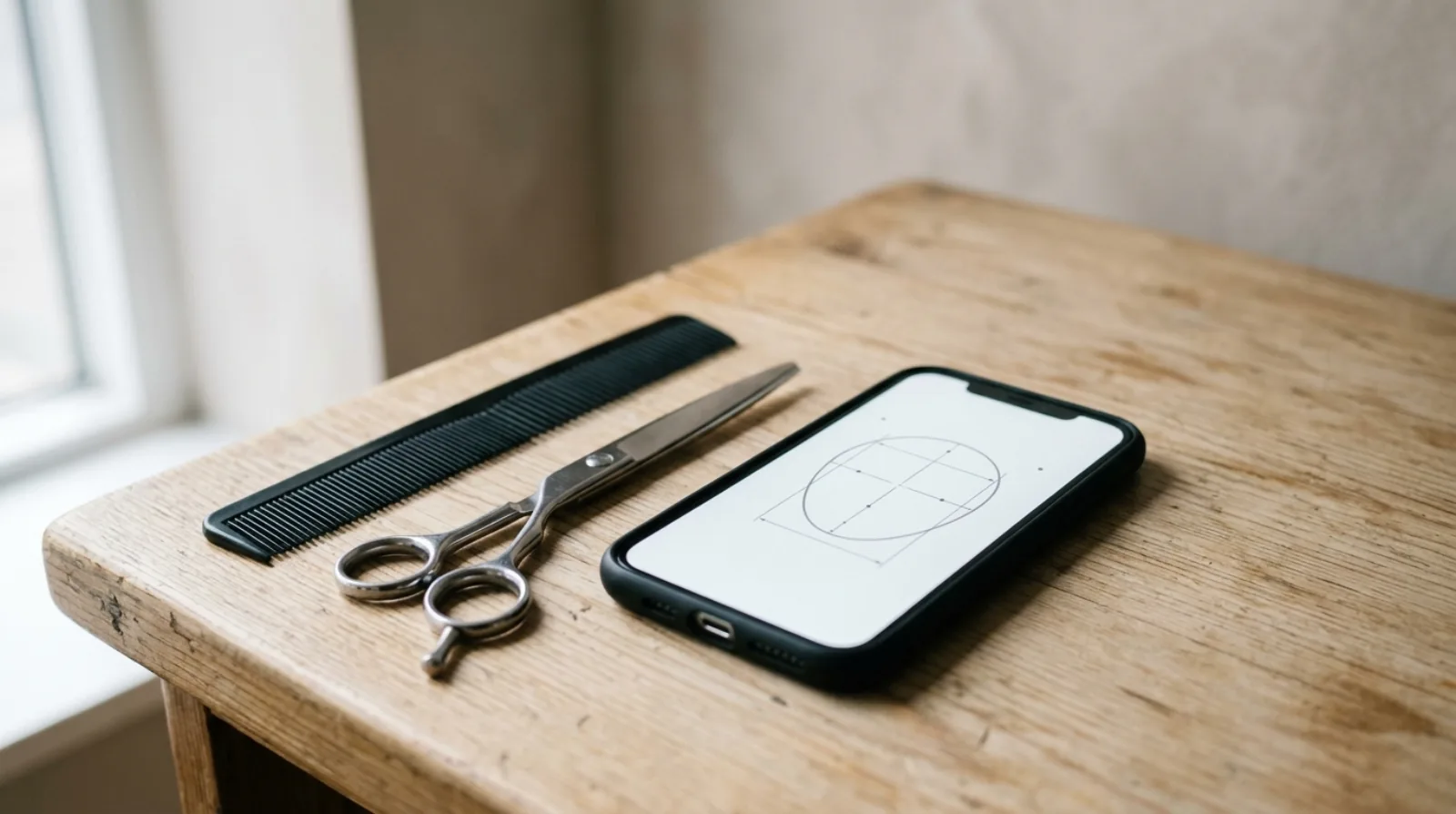
Yes, within a clear limit. An AI can look at a photo of your face and name haircuts that tend to suit its proportions, and it can explain why. That part is a real reading of real measurements: how long your face is against how wide, where your hairline sits, how your jaw meets your chin, and what your hair looks like in the picture. What it cannot know is everything outside the frame. How your hair behaves when it is wet. How many minutes you give it on a weekday. Whether the person cutting it can do the style well. So the honest answer is that an AI can give you a good short list and a reason for each cut on it. The final choice still needs you and a barber or stylist.
What an AI can read from one photo
A face tool starts by finding points on your face. Kurli runs this step on your own phone or computer before anything is uploaded, using a landmark model of the kind Google publishes for the web, which places several hundred points around the eyes, nose, mouth, jaw and hairline. From those points the tool measures proportions: the length of the face against the width at the cheekbones, the width of the forehead against the width of the jaw, and the angle where the jaw turns into the chin.
Those numbers are what "face shape" means. The shape name is a label put on them. A round face is one where length and width are close and the jaw is soft. An oblong face is one where length wins by a clear margin. Kurli shows the shape as context rather than as the headline, because two people with the same label can have different hairlines, different hair and different features, and the cut has to answer all of that, not the label alone.
Your hairline is the second thing a photo carries, as long as the hair is off your forehead in the shot. Rounded, straight, a widow's peak, or recession at the temples all change which cuts work, and all of them are visible.
Hair texture is the third, with a condition. Straight, wavy, curly or coily is readable when the hair is dry and worn loose. So is length, and so is a rough sense of how much hair you have, from how much scalp shows at the parting. A photo of wet hair, slicked-back hair or a fresh blow-dry hides all of this.
From those three inputs a good tool writes a recommendation: the cut, the reason it suits your proportions, and one or two cuts to avoid with the reason for that too. On Kurli, the face analysis and the written recommendations are free. The render, where the cut is drawn onto your own photo, is the paid step.
What it cannot know about you
The photo is one moment. Most of what decides whether a haircut works happens outside that moment.
Your hair when it is wet. Curly and wavy hair hangs longer when wet and pulls up as it dries, so a length that looks right in the shower is a different length by lunch. Hair is also weaker when wet; the American Academy of Dermatology says plainly that hair is delicate when it's wet. A barber sees both states in the chair. A model sees one.
Your hair's habits. Which way the crown grows. A cowlick at the front hairline. Whether one side kicks out. How oily the roots are by day two. Whether it holds a curl or drops it by noon. A stylist learns these by running a hand through it. None of them reach a photograph.
Your mornings. How many minutes you have. Whether you own a hair dryer and use it. Whether you tie your hair up for work or sport four days a week. A cut that needs daily heat is a real cost, and on curly hair, which the same dermatology body describes as drier than other hair types, that cost shows up as damage.
The grow-out. Scalp hair grows at about one centimetre a month, so a short cut is a decision you live with for months. A photo cannot tell the model how you feel about the weeks in between.
Your barber. A skin fade, a layered curly cut, or a fringe cut to sit right on a cowlick each depend on the hands doing the work. The AI does not know who is holding the scissors. This is the biggest gap and the one people forget: the same recommendation is a good cut from one barber and a bad cut from another.
A recommendation is not the same thing as a render
People use one word, "AI haircut", for two different outputs. It pays to keep them apart.
A recommendation is words and reasons. It says: your face is longer than it is wide, so keep weight at the sides and avoid height on top. You can check that claim against your own photo. If the reason matches what you see, the recommendation is worth taking to the chair. If the reason is vague, or could apply to anyone, the tool is describing hair in general rather than yours.
A render is a picture. An image model redraws the hair on your photo while keeping your face the same, and you look at the result. This is useful for one thing: seeing how a shape sits against your features. It tells you whether a fringe covers your forehead in a way you like, or whether a crop makes your jaw look wider. It does not tell you whether your hair can do that shape. The render draws the cut as a good stylist would finish it on ideal hair, which is why a render can look polished for a cut your hair will never hold. Our post on how AI hairstyle try-on works explains each step of that process, and is an AI hairstyle changer accurate goes through where the picture holds up and where it does not.
So the order matters. Read the recommendation first and judge its reasons. Use the render second, to react to a shape you have already decided is plausible. On Kurli the recommendation is free and the render is paid, which puts the cheap, checkable step before the expensive, persuasive one.
The photo decides more than the model does
Every measurement above starts from the points the tool finds, and those points are only as good as the picture. A head turned a few degrees makes one side of the face narrower than the other, and the width numbers go wrong from there. A chin tilted up shortens the face. A wide-angle selfie held close pushes the nose forward and pulls the ears back.
Kurli checks head angle on the device before the photo goes anywhere and warns you when the head is turned or tilted, so you can retake rather than get a reading built on a bad angle. The rest is on you: daylight from the front, hair off the face or worn the way you usually wear it, no beauty filter, no portrait mode. Filters smooth the edges the model reads, so a filtered photo can give a softer reading than your face has.
Where ChatGPT fits, and where it stops
Many people ask ChatGPT this question first, and it gives a reasonable answer in words. It knows the vocabulary of cuts, it can explain what a taper is and why layers add movement, and with a photo attached it can describe your face in general terms. Where it stops is measurement and rendering. It is not built to place landmarks or return measurements, and it cannot show the cut on your face at all. Our comparison of ChatGPT and a purpose-built hairstyle tool works through that gap with examples, and the AI hairstyle changer guide covers how the category works and how to judge any tool in it.
A sensible split: use the chat model to learn what the cuts are called and what to say in the chair. Use a face tool to decide which of them fit you.
How to use the answer well
The output you want from any AI is a short list with reasons, not a verdict. Here is how to turn that list into a good haircut.
Read the reasons before the names. A recommendation that says "your jaw is wider than your forehead, so a cut with volume at the temples balances it" can be checked in a mirror. If you can see the thing it describes, trust the cut more. If you cannot, treat it as a guess.
Pick two, not one. Take both to your barber and ask three questions. Will this work with my growth pattern and crown? What does it look like at week six? How often do I need to come back? A barber given two options and a reason gives better advice than a barber given a photo of a celebrity.
Check the cut against your week. Count the minutes you will honestly spend on a weekday morning and match the cut to that number. Any cut that needs more time than you have will be worn wrong, and a cut worn wrong suits nobody, whatever the proportions say. If styling is the part you avoid, our post on choosing a haircut when you hate styling is written for that.
Read your shape guide, then argue with it. The guide for a round face explains why height on top and length past the chin tend to work and why a chin-length bob with a blunt edge tends not to. Those are starting points, and your hairline, your hair type and your features can overrule any of them. The hub at hairstyles by face shape covers all six shapes if you are not sure which guide is yours.
Change in steps if the cut is a big jump. A recommendation that moves you from long hair to a crop can be right and still be too much at once. Ask the barber for the version that lands halfway, live with it for six weeks, then go the rest of the way if you still want it. Hair grows back at about a centimetre a month, which is slow enough that a mistake at the second step costs more than a pause after the first.
Where the AI answer is most likely to be wrong
The reading goes wrong when the photo is turned, tilted, filtered, or shows the hair wet or slicked back. Retake before you trust it.
The recommendation goes wrong when it is generic. "Layers add movement" is true of every face. "Layers starting below your chin add length to a face that is as wide as it is long" is about you. Keep the second kind, discard the first.
The render goes wrong in the direction of flattery. It draws the finished version, styled, on a good hair day. Compare it to your real hair on an ordinary morning before you book.
And the whole thing goes wrong when the answer skips the barber. The AI narrows the choice. The person with the scissors makes it a haircut. Bring the short list, bring the reasons, and let the two of you finish the decision together.
Common questions
Can AI tell me what haircut to get?
Yes, within a clear limit. An AI can measure your face from a photo, read your hairline and the hair texture it can see, and name cuts that tend to suit those proportions, with a reason for each. It cannot know how your hair behaves wet, how much time you give it each morning, or how skilled your barber is. Treat the answer as a short list with reasons, then decide with the person who will cut it.
Can AI pick a haircut for me?
It can narrow the choice, and that is the useful part. A good tool gives you three or four cuts and explains why each fits your face length, jaw and hairline. Picking one of them still depends on things a photo does not show: your hair's growth pattern, how it dries, and whether you will style it. Take two of the suggestions to your barber and let that conversation make the final pick.
Does my haircut suit me AI?
An AI can judge your current cut against your face proportions and say whether it is adding width, length or softness where you need it. That is a fair reading of the shape, and it is the same reasoning a stylist uses. It cannot tell whether the cut suits your life, so if it looks right in the photo but takes twenty minutes each morning, the photo is not the problem.
What haircut suits my face AI free?
On Kurli, the face analysis and the written recommendations are free. You upload a front-facing photo, the tool measures your face on your device, and you get tailored cuts with the reason each one suits you, plus one or two to avoid. Seeing a style rendered onto your own photo is the paid step, and you can read the free shortlist before you decide whether you want that.
Do AI hairstyle apps work?
They work for what a photo can show. Face proportions, hairline shape and visible texture are real inputs, and the cuts a good app names from them are usually the same cuts a stylist would name. They do not work as a forecast of how your hair will fall, because that depends on growth direction, density and how the hair dries, none of which a single picture carries. Judge an app by whether its reasons match what you can see in your own photo.
Is AI haircut generator free?
It depends on the tool and on which part you mean. Most tools give away the cheap step and charge for the expensive one. The cheap step is analysis and written advice; the expensive step is generating a picture of the style on your own face, which runs an image model each time. Kurli follows that pattern: the analysis and recommendations are free, and a render onto your photo is paid.
How to know what haircut will suit me?
Start with your proportions, not with a trend. Measure whether your face is longer than it is wide, where your face is widest (forehead, cheekbones or jaw), and how your jaw meets your chin. A cut suits you when it balances those: height on top lengthens a round face, softness at the jaw eases a square one, weight at the sides widens a long one. Then check the cut against your hair texture and the time you have, because a cut that looks right and takes daily heat styling is not a fit.
What to do if you don't know what haircut to get?
Get a short list before you sit in the chair. Take a clear front-facing photo in daylight, run it through a face-shape tool or read the guide for your shape, and write down two cuts and the reason each one suits your face. Then ask your barber which of the two works with your hair's growth pattern and how it grows out. A barber given two options and a reason gives better advice than one given a shrug.
How to know if a haircut will look good?
Check three things before you commit. First, the reason: does the cut add or remove width where your face needs it? Second, the texture: will your hair, at its real curl and density, hold that shape without daily work? Third, the grow-out: hair grows about a centimetre a month, so ask what the cut looks like at week six. If all three answers are good, the cut will look good on you and keep looking good.
Which AI is best for haircuts?
The best one is the one that measures your face rather than describing it. A general chat model can talk about cuts well, but it is not built to measure your proportions from a photo and it cannot show a style on your face. A purpose-built tool finds landmarks on your face, measures the proportions, explains each recommendation, and can render the cut on your own photo. Use the chat model to learn the words and the face tool to make the decision.
See it on your own face
Upload a selfie and Kurli recommends the hairstyles that suit you, then renders each look onto your photo.