AI Hairstyle Changer
Search any hairstyle. See it on you.
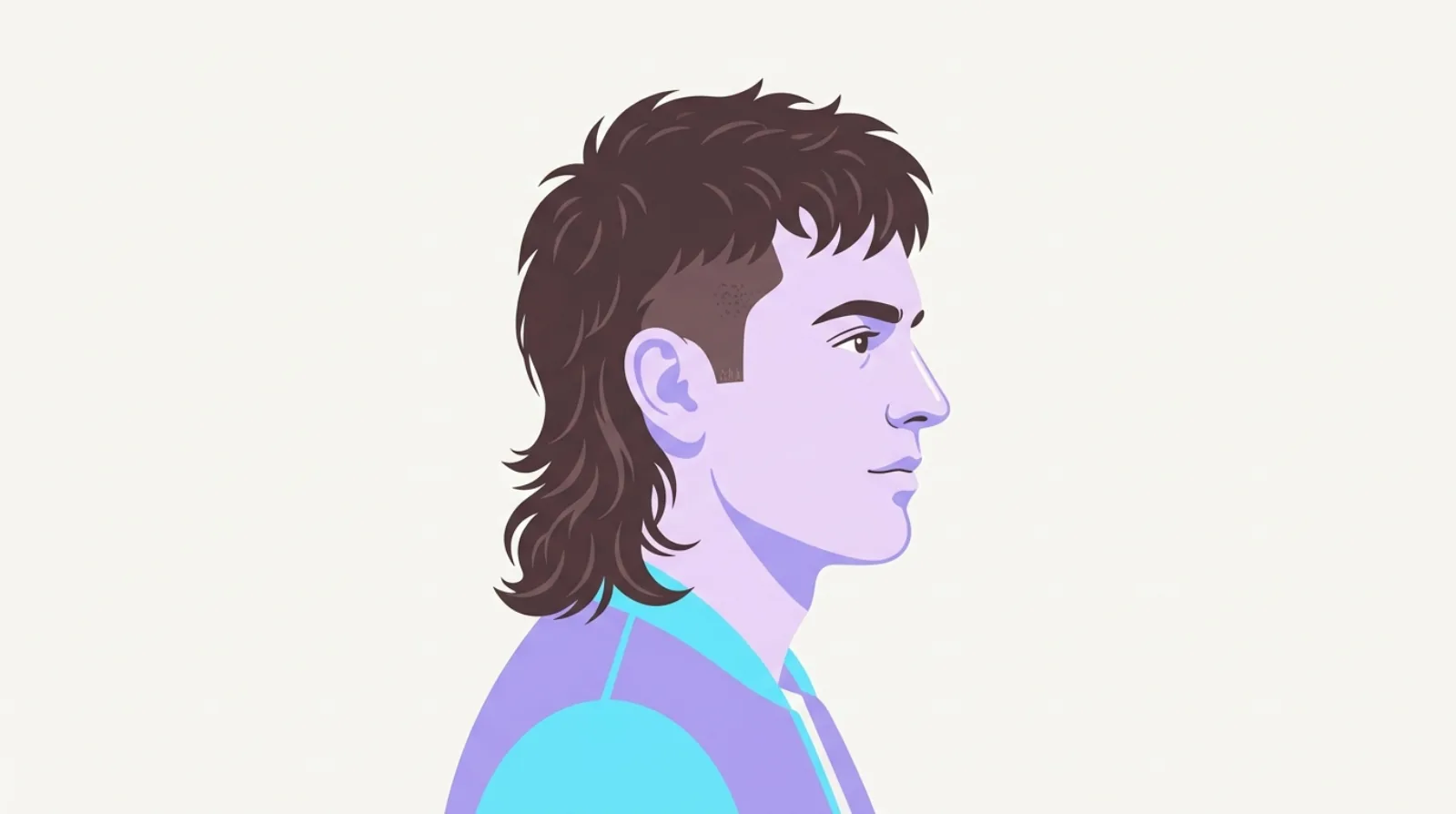
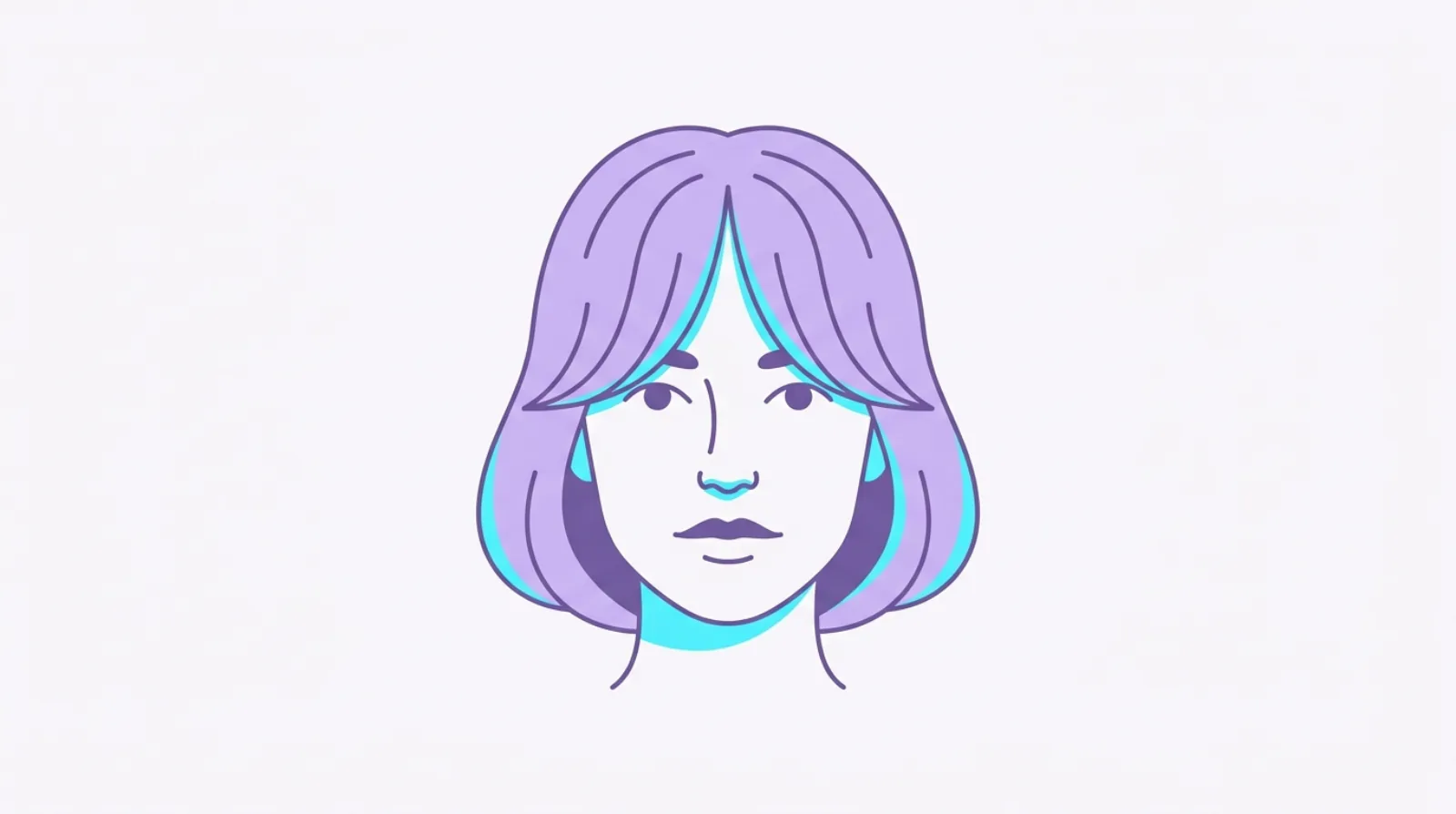
Type a look (a bleached buzz, a modern mullet, curtain bangs) and Kurli's free haircut simulator renders it onto your own photo, so you can judge it on you before you commit to the chair.
Add your photo to try any style on yourself
Tap to pick a selfieDrop a selfie here, or click to browse
Front-facing, well-lit photos work best.
Your photo is used only to render the style and isn't stored.
Questions
- How does the try-on work?
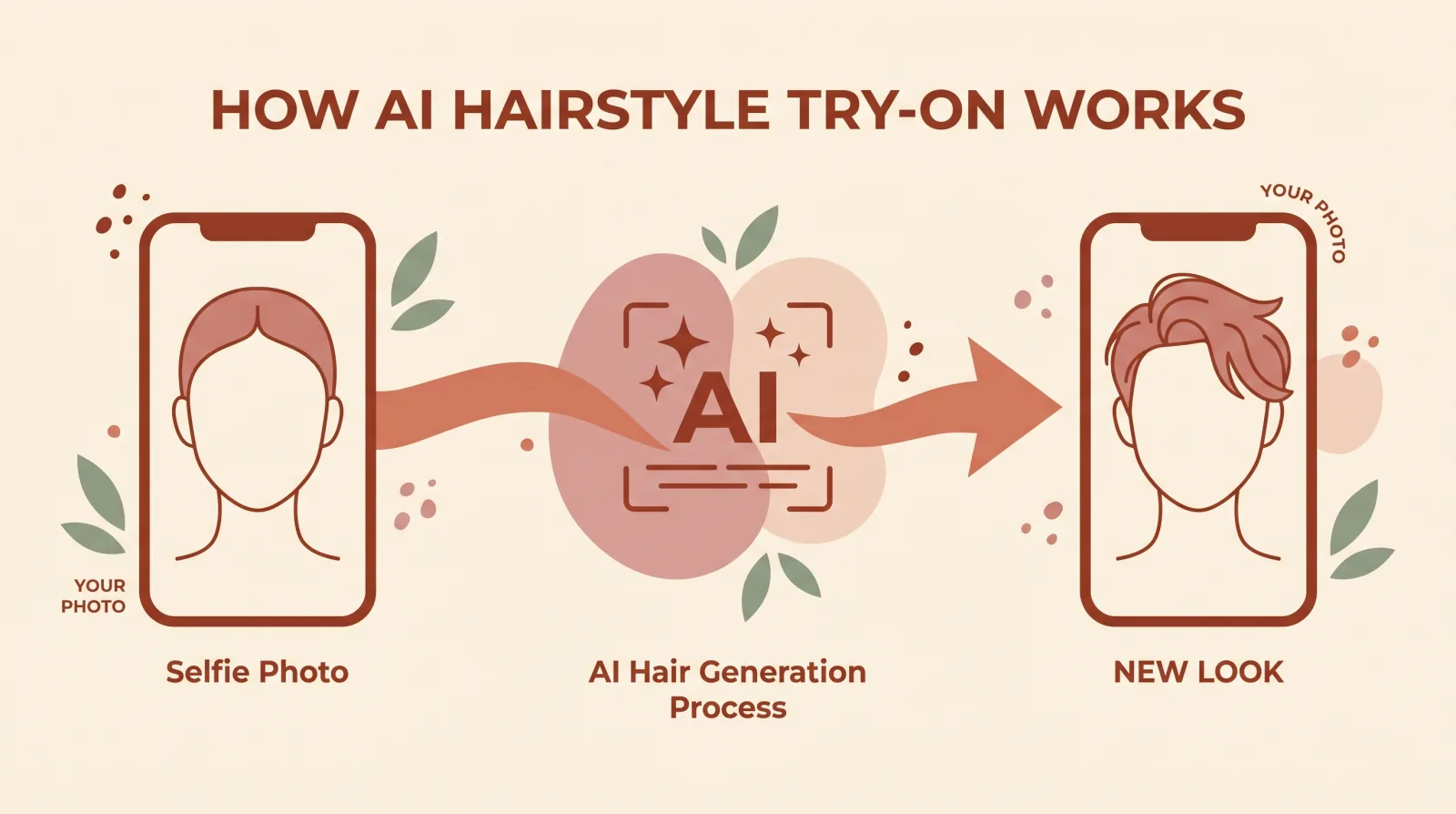
- Add a front-facing photo, type any hairstyle (like 'bleached buzz' or 'modern mullet'), and Kurli's AI restyles only the hair in your photo, keeping your face, skin tone, and background the same. You get a preview of the look on you in a few seconds.
- What hairstyles can I search?
- Anything you can describe: a specific cut (wolf cut, taper fade, curtain bangs), a colour (platinum blonde, copper), a length, or a combination like 'short bleached buzz'. The more specific you are, the closer the render.
- Is my photo stored?
- No. Your photo is sent securely to generate the try-on image and is not saved by Kurli. It's used only to render the style you searched.
- Is the result exactly what I'll get at the salon?
- It's an AI preview to help you picture a look, not a photograph or a guarantee. Results vary with your photo and lighting. Bring the render to your stylist as a reference and ask what's realistic for your hair.
- Does a try-on render cost anything?
- Uploading a photo is free, and rendering a style onto it uses credits because it runs an image model. New accounts start with a free credit grant, and packs are available on the Credits page after that.
- Why does the try-on take a few seconds?
- The render is generated by an image model at the moment you search, not pulled from a preset library, so each result is built specifically for your photo and the exact style you typed.
- Can I try on a colour change without changing the cut?
- Yes. Type a colour on its own, like 'copper red' or 'platinum blonde', and Kurli renders that colour on your current hairstyle instead of also changing the shape.
- What makes a photo work well for the try-on?
- A clear, front-facing photo with even lighting and your hair visible gives the most accurate render. Turned or shadowed photos make it harder for the model to match your face and hairline.